Lookbook Googleslide Template: Your Visual Storytelling Toolkit
There’s a moment every creative dreads. You’ve poured hours into developing a product, refining a service, or planning an event. The content is strong, the idea is solid, but when it comes time to present it to the world—whether to a client, a retail buyer, or your social media audience—the visual presentation falls flat. It feels generic, disjointed, or simply not reflective of the quality you’ve built. This is where a thoughtfully designed system becomes invaluable, transforming a collection of ideas into a cohesive, compelling narrative.
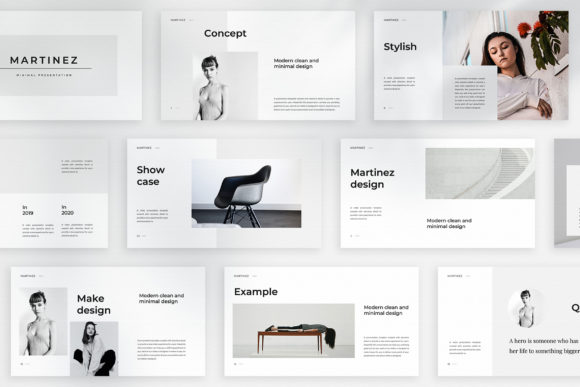
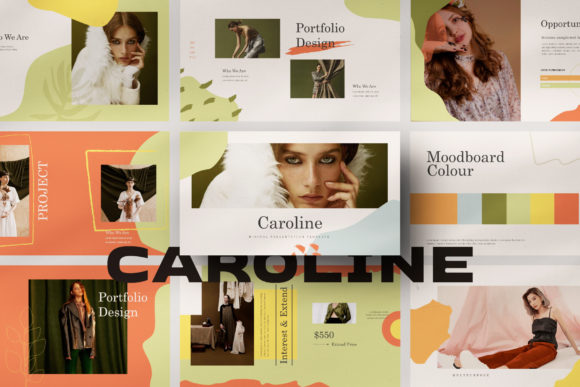
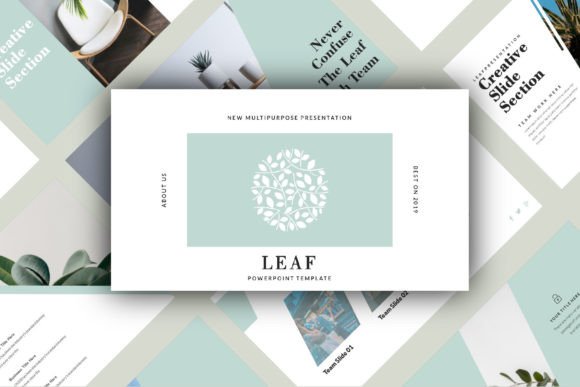
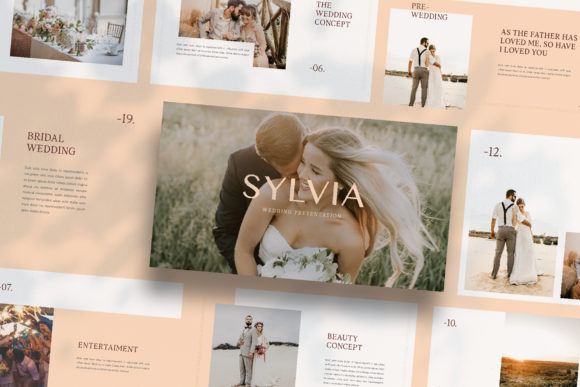
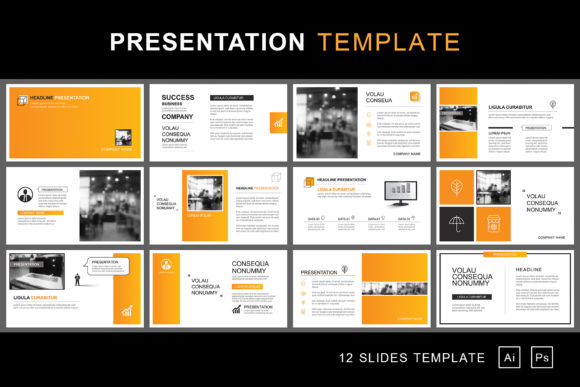
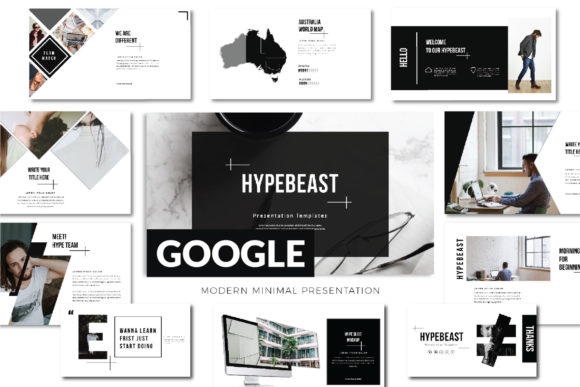
The Lookbook Googleslide Template is built for this exact purpose. At its core, it’s a presentation framework, but its true value lies in its ability to act as a dynamic visual language for your brand. Forget clunky, overdone slide decks. This template operates on a principle of clean, minimal sophistication. Each slide is a carefully composed canvas, offering layouts that feel more like the pages of a high-end magazine or a curated digital catalog than a standard business presentation. It’s designed for those who understand that how you show something is just as important as what you’re showing.
Beyond the Slide Deck: A Multifaceted Design Asset
While its native format is a Google Slides presentation, the applications of this template stretch far beyond a typical meeting. Think of it as a foundational design asset for your brand’s visual ecosystem. The professional, ultra-modern aesthetic—characterized by ample white space, elegant typography, and a structured yet flexible grid—provides a consistent starting point for a wide array of projects.
- Digital Lookbooks & Catalogues: This is its most direct use. For a fashion brand, artisan, or product-based business, you can drag and drop your product photography into the pre-designed layouts. The magazine-style arrangement instantly elevates your items, creating an immersive browsing experience for wholesale clients or direct consumers.
- Marketing & Sales Decks: Pitching to investors, presenting a new campaign to stakeholders, or outlining a service package requires clarity and professionalism. The template’s clean hierarchy ensures your data, testimonials, and value propositions are communicated without visual clutter, building credibility from the first slide.
- Social Media & Content Creation: Need a quick, on-brand Instagram carousel or a series of Pinterest pins? Export individual slides as high-resolution images. The consistent theme color and layout variations make it simple to create a cohesive feed that strengthens brand recognition. It’s perfect for announcing a launch, sharing a tutorial, or featuring customer reviews.
- Brand Style Guides & Proposals: For designers and agencies, it’s an excellent tool for presenting brand identity systems. The ability to customize the theme color automatically across all slides means you can quickly adapt the entire deck to a client’s brand palette, showcasing logos, color swatches, and typography pairings in a polished context.
The Mechanics of Visual Consistency
A major challenge in maintaining a brand identity is ensuring visual consistency across different platforms and materials. This is where the technical construction of the Lookbook Googleslide Template shines. Built with Slidemaster functionality, it’s not just a collection of static pages. It’s a dynamic system.
The promise of “automatic color change” is a game-changer for efficiency. Instead of manually updating the color of dozens of shapes, charts, and text boxes, you adjust the core theme colors once, and the entire presentation adapts. This ensures your brand’s signature hue is perfectly represented every time, eliminating the risk of off-brand shades slipping through. This feature is invaluable when you need to create multiple versions for different clients or product lines while maintaining a cohesive house style.
Furthermore, the “drag & drop your image” capability, enabled by the Slidemaster design, means your photography or product shots are integrated seamlessly into the layout. The frames are already set, so your images are perfectly cropped and positioned, maintaining the clean, editorial balance of the overall design. This removes the guesswork and tedious resizing that often plagues DIY design, allowing you to focus on the content itself.
Practical Considerations for Your Projects
When integrating a new design asset like this into your workflow, a few practical steps ensure you get the most out of it. First, consider your font pairing strategy. While the template comes with recommended free fonts, the clean, modern layouts provide a fantastic neutral ground. You can stick with the provided sans-serif for a crisp, contemporary feel, or introduce a complementary serif or script font for headings to add a touch of personality. The key is to test pairings within the actual slides to see how they interact with the imagery and white space.
Second, think about your project’s goal. Are you creating a minimalist product showcase? Utilize the layouts with large image areas and minimal text. Are you building a data-driven proposal? Choose the variations with clear chart placeholders and bullet points. The many layout variations are there to serve different content needs, so select intentionally based on your message.
Finally, always be mindful of commercial use. The template’s license typically covers use for your personal and commercial projects, which is essential for entrepreneurs and businesses. However, it’s a good habit to review the specific license details included with your purchase, especially if you plan to use the final, customized output within a product for resale (like a PDF guide). The included Help & Instruction PDF is a crucial resource for this, as well as for accessing the free font links and mastering any advanced customization techniques.
Elevating Your Visual Communication
In a crowded digital landscape, the difference between being overlooked and being remembered often comes down to presentation. A cohesive, professional visual identity builds trust and communicates value before a single word of your copy is read. It’s about creating an experience for your audience.
The Lookbook Googleslide Template offers a structured yet flexible path to achieving that level of polish. It’s less about a rigid set of slides and more about adopting a visual system—one that prioritizes clarity, modern aesthetics, and adaptable functionality. For the fashion entrepreneur, the freelance designer, the small business owner, or the content creator, it provides a toolkit to transform ideas into visual stories that resonate, persuade, and ultimately, connect. It’s the framework that allows your content to take center stage, exactly as it deserves.